Last updated: April 2026
What we collect
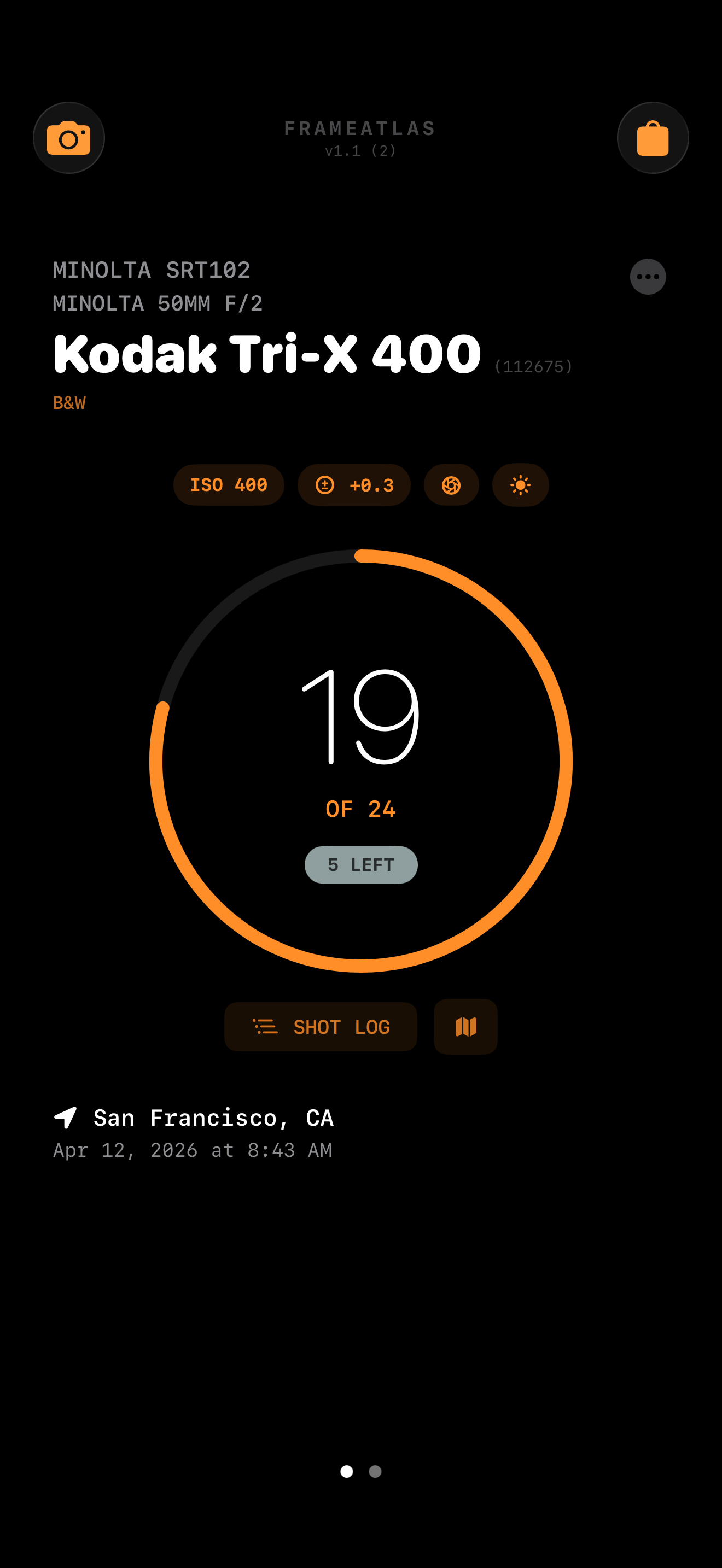
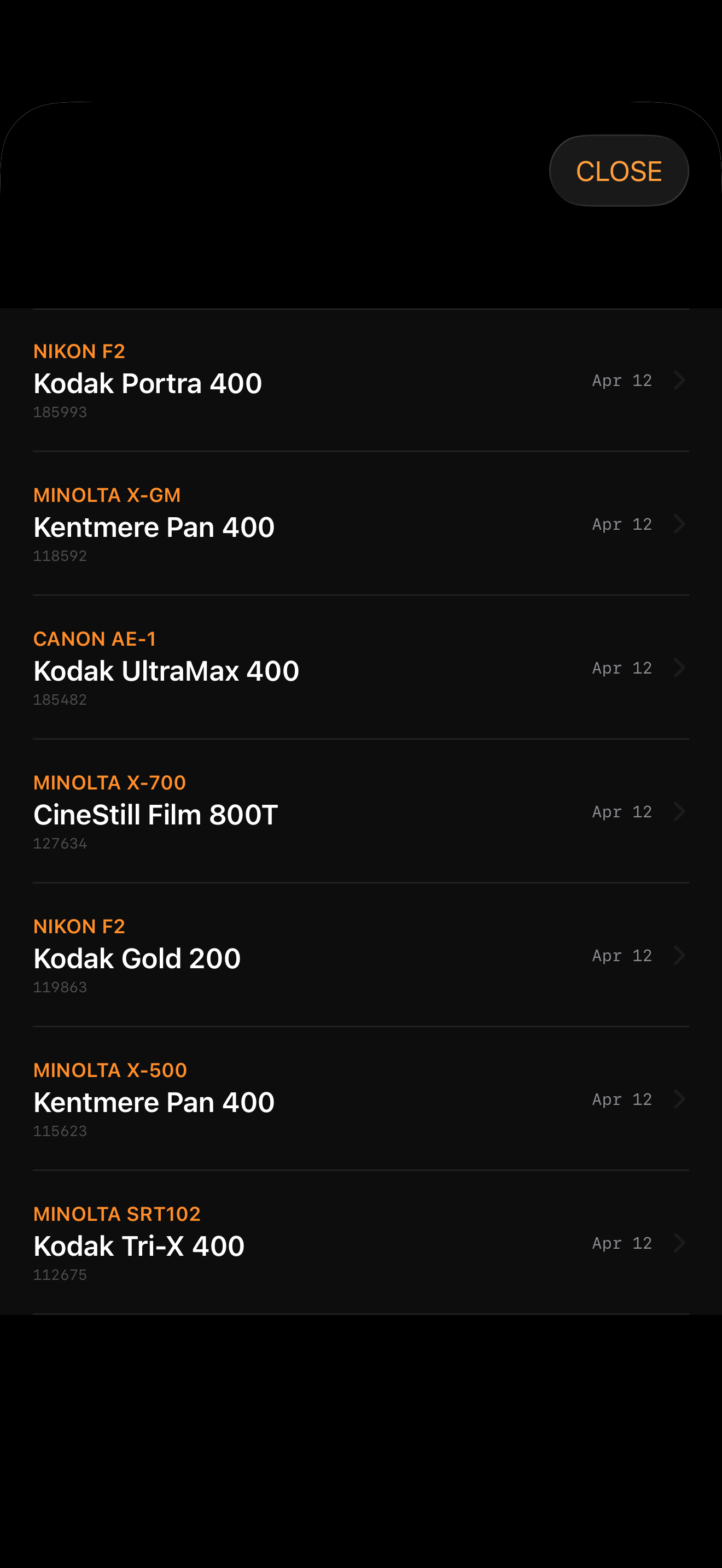
FrameAtlas does not collect any personal data. All information you enter — roll details, GPS coordinates, shot logs, notes, and barcodes — is stored exclusively on your device in local JSON files within the app's private Documents directory.
Location data
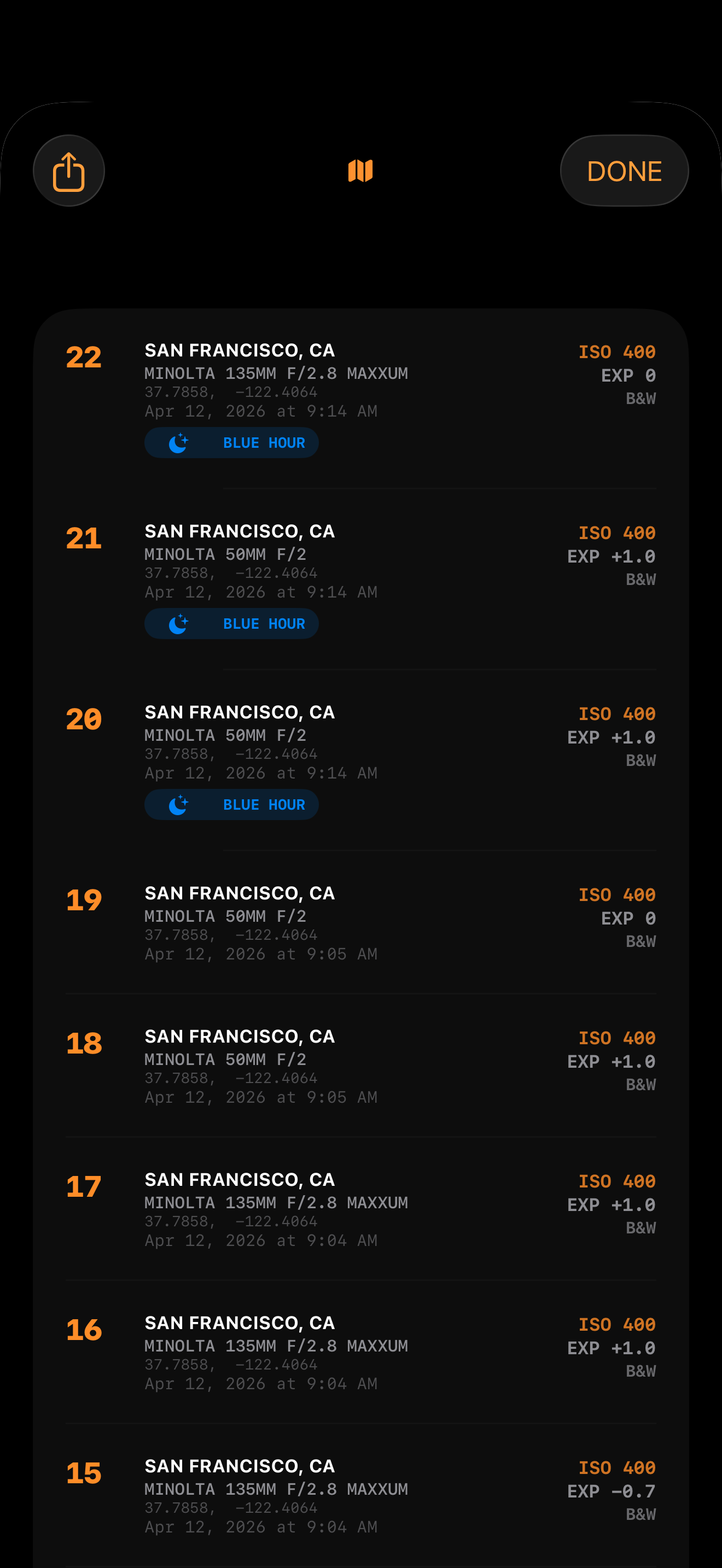
FrameAtlas requests access to your device's location ("While Using the App") to tag each frame with GPS coordinates. This location data:
- Is stored only on your device
- Is never transmitted to any server
- Is never shared with third parties
- Is only accessed when the app is actively open
City names are generated using Apple's on-device reverse geocoding (CoreLocation) and are not sent to any external service.
Location data is processed and stored locally on your device. No GPS data is ever transmitted to external servers or stored by FrameAtlas.
Shot data (including GPS coordinates) is stored on-device and included in iCloud backups if the user has iCloud Backup enabled.
Camera access
FrameAtlas requests camera access solely to scan barcodes on film canisters. No images are captured, stored, or transmitted. The camera session is opened only when you tap the scan button and closes immediately after a barcode is read.
Apple Watch
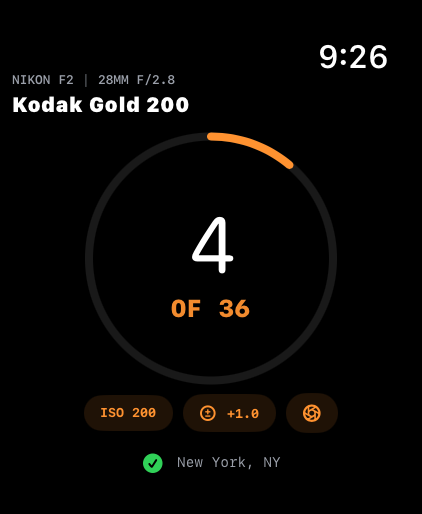
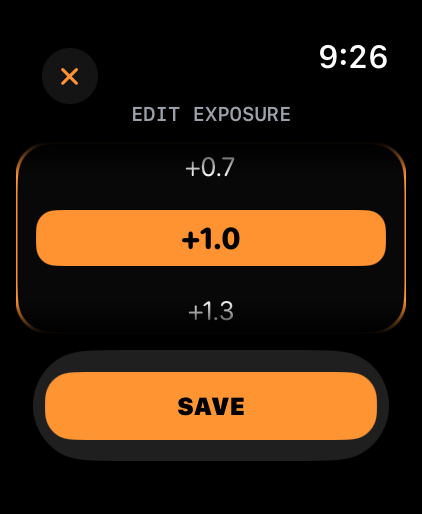
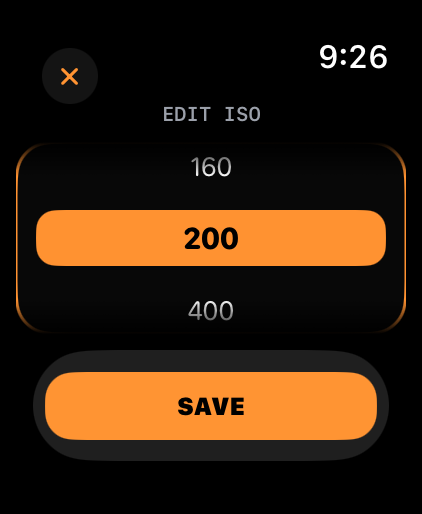
When using the Apple Watch companion app, shot data is synced between your iPhone and Apple Watch over Bluetooth via Apple's WatchConnectivity framework. This sync occurs only between your personal devices and does not involve any external servers or third parties.
Analytics and advertising
FrameAtlas contains no analytics, no advertising SDKs, and no third-party tracking of any kind.
In-app purchases
The optional Pro upgrade is processed entirely through Apple's App Store and StoreKit. FrameAtlas never handles payment information directly.
Data deletion
All app data is removed when you delete FrameAtlas from your device. There is no account and no data stored externally by FrameAtlas. If you have iCloud Backup enabled, on-device data may be included in your iCloud backup and is subject to Apple's retention policies.
Children's privacy
FrameAtlas does not knowingly collect information from children under 13. The app contains no features directed at children.
Changes to this policy
If this privacy policy changes, the updated version will be posted on this page with a revised date. Continued use of the app after any changes constitutes acceptance of the updated policy.
Contact
Questions about this privacy policy? Email us at the address below.